

Giving New Life to Old Memories
Your Past Memories Matter
What is the Story Behind Your Photos?
Watch a Photo Transform Right Before Your Eyes
See How it Works and the Steps Involved Along the Way.
True Love Story
About a Photo
Inspiring Generations
From The Past
The Importance of
Family History
Inspire Generations
See How Larsen Digital's Service Works
See How it Works and the Steps Involved Along the Way.
How does it all works?
Customer Review
Customer Review


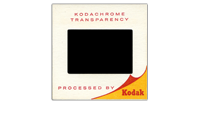
Slides
Slides
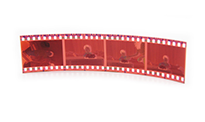
Negatives
Negatives
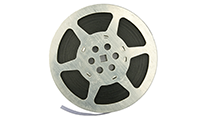
Movie
Movie Film
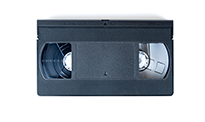
Video
Video Tape
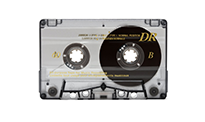
Audio
Audio
Services
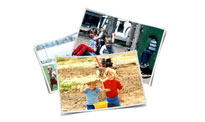
Photos
Photo
Services

Slide Scanning


Negative Scanning

Movie Film Transfer

Video Tape Transfer

Audio Services

Photo Services

 Free Sample Scans
Free Sample Scans of your Slides, Negatives and Prints
Not sure if what you want to do? We understand that sending your film out to be scanned can be scary, overwhelming and choices confusing. That is why we offer free sample scans for 35mm slides, 35mm negatives & photos. For eligible film, click here.
Preparation Instuctions
Preparing Your Order to be Scanned
Preparation Instructions
If you aren't sure the best way to get your order ready to be sent to us, you are not alone. See our easy preparation instuctions so that you can make sure your order comes back to you just the way you want it to.
For more information about how to get your order ready to be sent in to us, click here.
Download Images
Download Your Digital Images Right From Us to Your Computer.
You can download your images right from us, or we will upload your digital image files into your Google Drive cloud account. From there you can easily download the files to your computer and share with friends & family. To learn more about these options, click here.
If you aren't sure which option is right for you, consider uploading to the cloud if you want to store it online and share the link to others. If you want a quick way to get it to your computer, we recommend going with the direct download option, and we will send you a link to quickly download your files.
Bulk Quotes
Bulk Quotes
Discounts available for large quantity orders. To find out more and see if you qualify for a bulk discount, click here.
Quick Processing Times
Processing times for your treasured memories
Orders are completed quickly and ready to ship or pick up. To see the turnaround times, click here.
FAQ
Intro To
Digital Conversion
Customer Review Video's
Come see why our customers love us!

Keeping Memories Alive
Importance Of Family History
Color Correction Example
A Love Story That
Began Over a Photo
Love Story All Started With a Photo
Come see why our customers love us!

Customer Reviews 1

Customer Reviews 2
Color Correction Example
Customer Review
Some of our Past Customers Include:

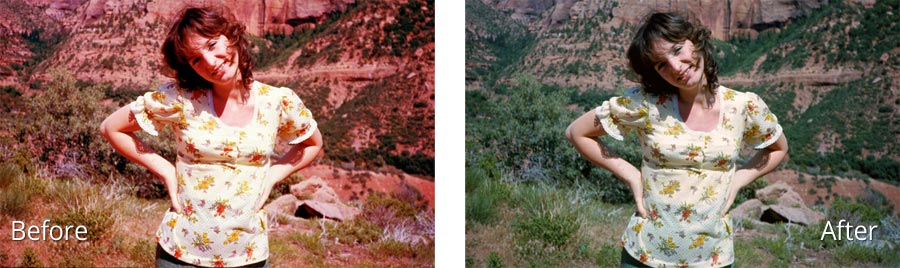
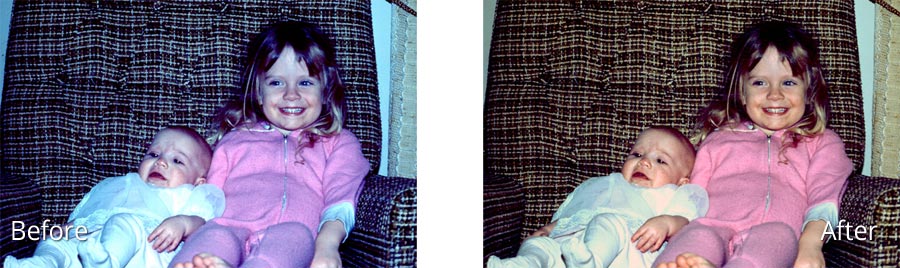
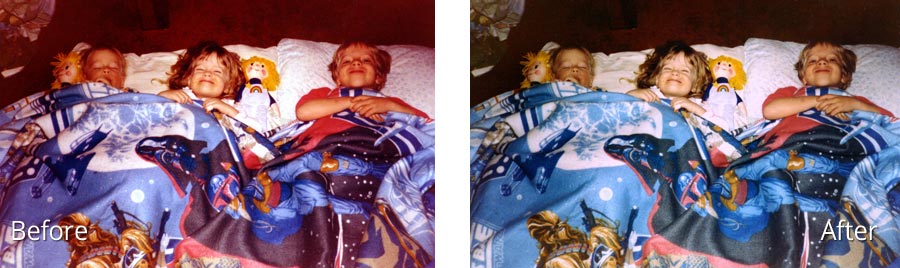
Color Correction



As featured on:





Services
- 35mm Slide Conversion
- 35mm Negative Conversion
- Video Tape Conversion
- Movie Film 8mm & 16mm
- Photograph Conversion
- Stereo Slide Conversion
- 127 Format Slide Conversion
- APS Film Conversion
- Large Format 4x5 Film
- Disc Negative Conversion
- Reel to Reel Audio Conversion
- Vinyl Record Conversion
- Digital Photo Restoration
- Scrapbook Conversion
- 126 Slide Conversion
- 126 Negative Conversion
- 110 Slide Conversion
- 110 Negative Conversion
- Medium Format 120/220 Conversion
- Audio Tape Conversion
- DAT Tape Conversion
- Floppy & Zip Discs Conversion
- CD & DVD Duplication
- Gift Cards
Placing an Order
- Choose Resolution
- Choose Service Level
- Professional Equipment
- Preparation Instructions
- Satisfaction Guarantee
- Order Form
Additional Features


